Guides
How to Give Claude a Permanent Memory with NotebookLM
The Ootto Team · 7 min read · June 14, 2026
How to use this
1Connect Claude to Instagram
Connect Claude to your Instagram account
One click opens Claude with the connector already filled in - sign in, authorize, and it's live. No key to copy, no setup outside your browser.
https://mcp.ootto.ai/mcpConnect2Add the skills
Once Claude can reach your account, give it the methods to work with. Clone the free repository and Claude discovers the skills automatically.
git clone --depth 1 https://github.com/Ootto-AI/claude-content-skills.git && bash claude-content-skills/install.shBrowse all 30 skills on GitHubInstructions: how to connect your Instagram account to Claude
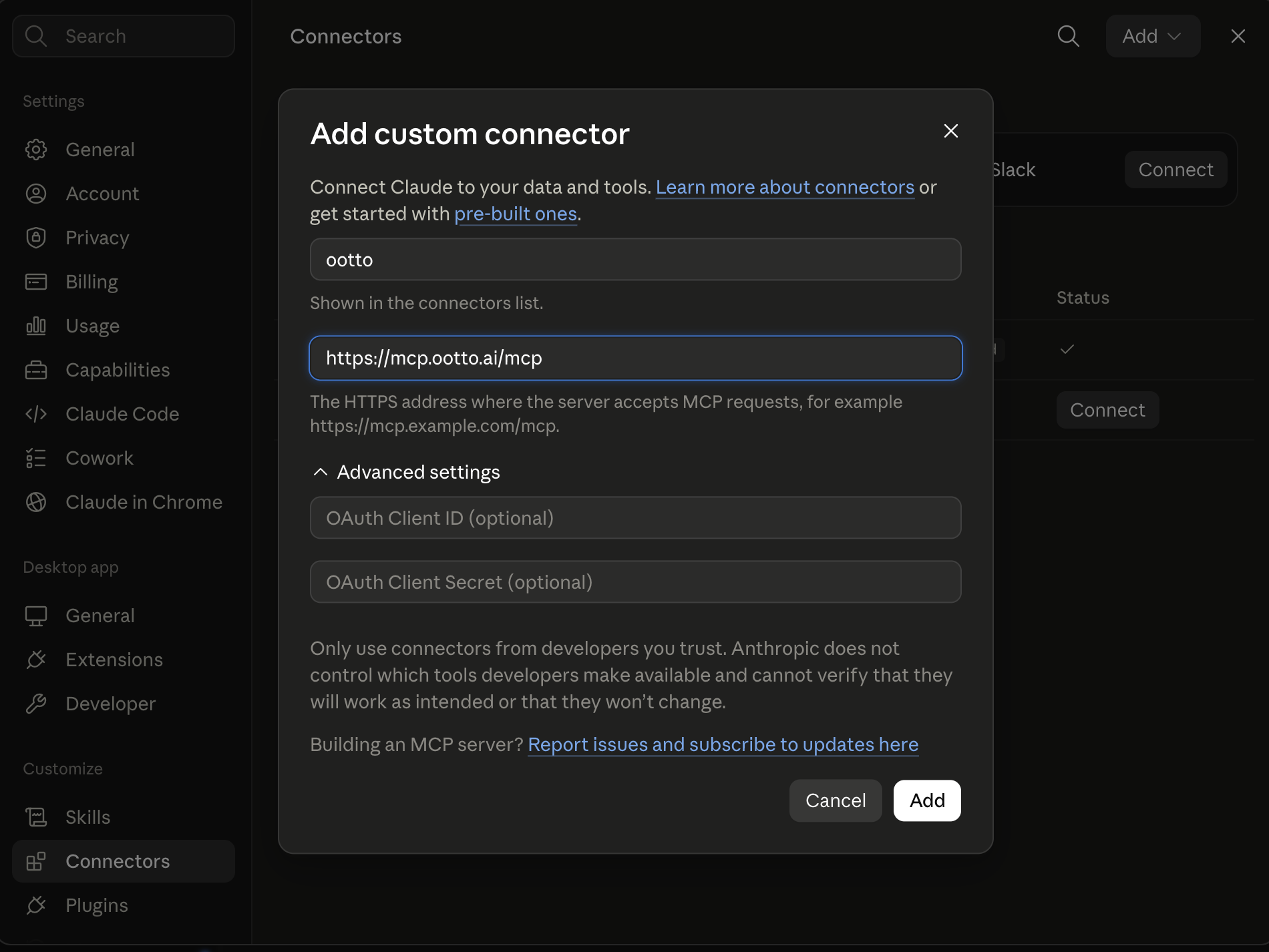
Connect above does this for you. If Claude ever opens the dialog empty, here's exactly what goes where:
Ootto
Your 24/7 Instagram Growth Operator
Skip the manual setup
- Posts finished Reels straight to your Instagram
- Real motion-graphic Reels, not slideshows
- Built around your own photos and footage
- Finds winning content opportunities in your niche
- Writes on-brand scripts and captions
- Answers every comment by your own keyword rules
- DMs qualified leads and starts the conversation
- Runs up to 50 Instagram accounts
One AI. Every Post. Every Comment. More Leads. More Sales.
Made by Ootto
Real reels, rendered by the engine
Six demonstration brands, six finished reels - the same engine that studies a niche and builds the reel actually made these, start to finish. No shot lists, no editors.
Ninety-nine percent of Claude users hit the same wall: Claude forgets everything the moment you close the chat. Every new conversation starts from zero. You re-explain your project, your stack, your preferences, your last three decisions — and you burn tokens doing it, every single time.
There's a fix, and you set it up once. You give Claude a permanent memory by connecting it to Google NotebookLM — a second brain that never forgets. After that, a small "wrap-up" skill saves each session automatically, and Claude pulls back only what's relevant in every new chat.
This is the exact setup, in plain steps — no coding required.
What you'll end up with
- Persistent memory across every chat. Claude remembers your decisions, your project, and how you work — no restart, no re-pasting.
- Fewer tokens. You stop re-explaining the same context in every conversation — which, depending on how much you normally repeat, can trim a real slice (often around a fifth) of your token use.
- A wrap-up skill that does it for you. Say "wrap up" and the chat is saved to your notebook. No manual note-taking.
- A bonus content engine. Because your brain lives in NotebookLM, you also get its free outputs — audio and video overviews, mind maps, and sourced, cited research — straight from your own notes.
How it works (the 30-second version)
Claude talks to NotebookLM through a connector — you paste one link into Claude's settings. A short wrap-up skill tells Claude when to save and recall. NotebookLM stores everything and finds the right memory later with search. That's the whole system:
Claude ⟷ (your connector link) ⟷ NotebookLM (your "AI Brain" notebook)
One honest note up front: NotebookLM has no public API, so the connector has to sign in with your Google account. That's why you run your own free copy of it — your login stays yours, and Claude reaches it through a single private link. Here's the whole thing.
Step 1 — Get your free NotebookLM connector
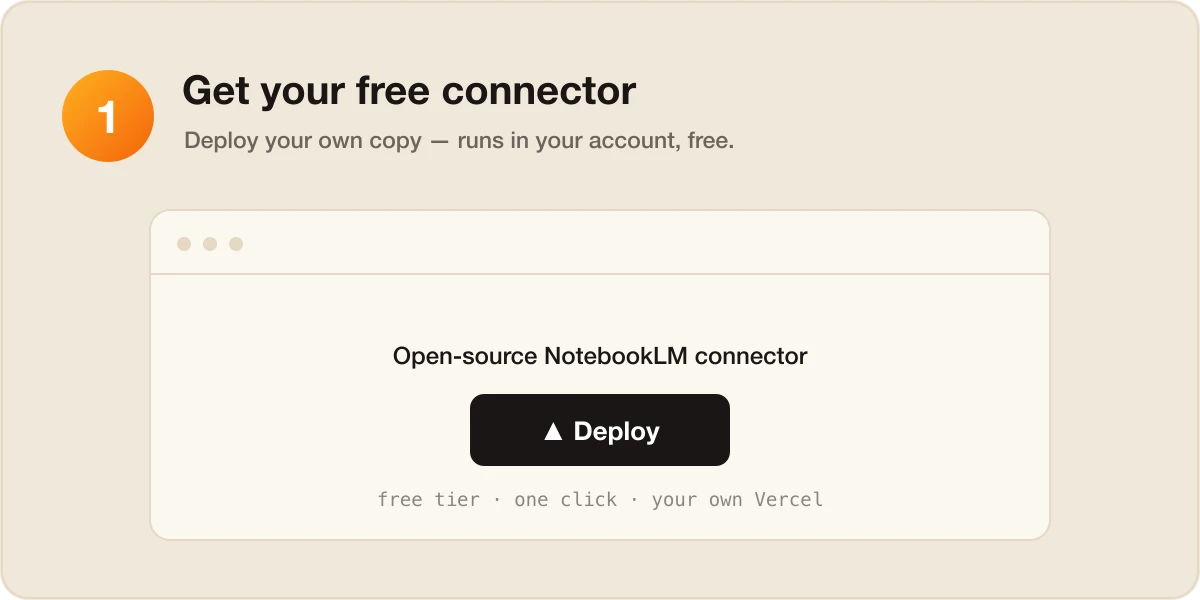
Deploy your own copy of the open-source NotebookLM connector — it's free and runs in your own account. The easiest is 20Youssef10's one-click Vercel deploy, which runs on Vercel's free tier. Click Deploy, and in a minute you have your own connector.
(Want everything on your own machine with nothing deployed? Use the local notebooklm-mcp instead — see "The fully-private option" at the end.)
Step 2 — Connect your Google account (once)
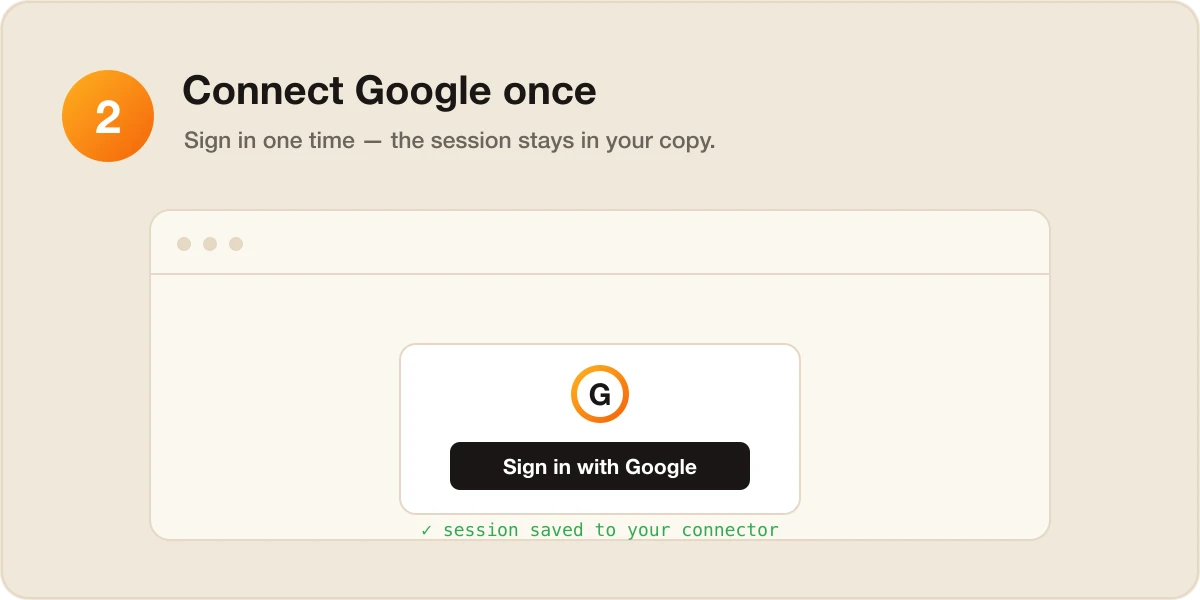
Run the one-time setup. A Chrome window opens, you sign in to your Google account, and your NotebookLM session is saved into your own connector. You do this once. Nothing is shared with anyone — the login lives only in your copy.
Step 3 — Paste the link into Claude
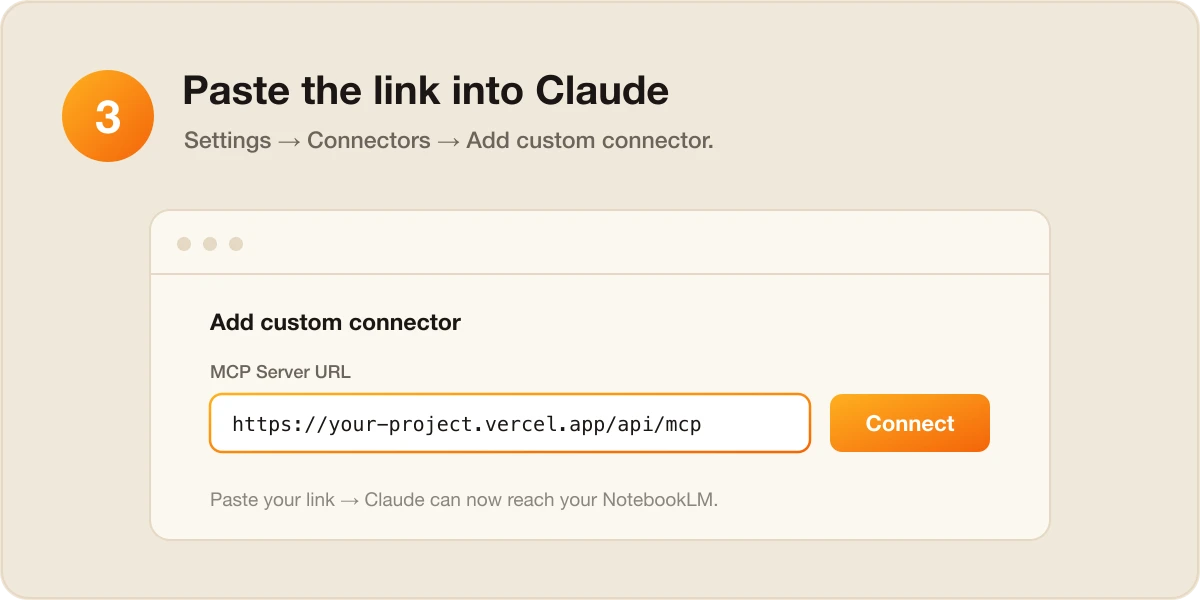
This is the part you pictured. In the Claude app (Pro or Max plan):
- Open Settings → Connectors.
- Click the + (Add connector), then Add custom connector.
- Give it a Name (e.g. "NotebookLM") and paste your link into Remote MCP server URL — it looks like
https://your-project.vercel.app/api/mcp. - Click Add.
That's it — Claude can now reach your NotebookLM. (You can leave the OAuth fields under "Advanced settings" blank.)
Step 4 — Create your "AI Brain" notebook
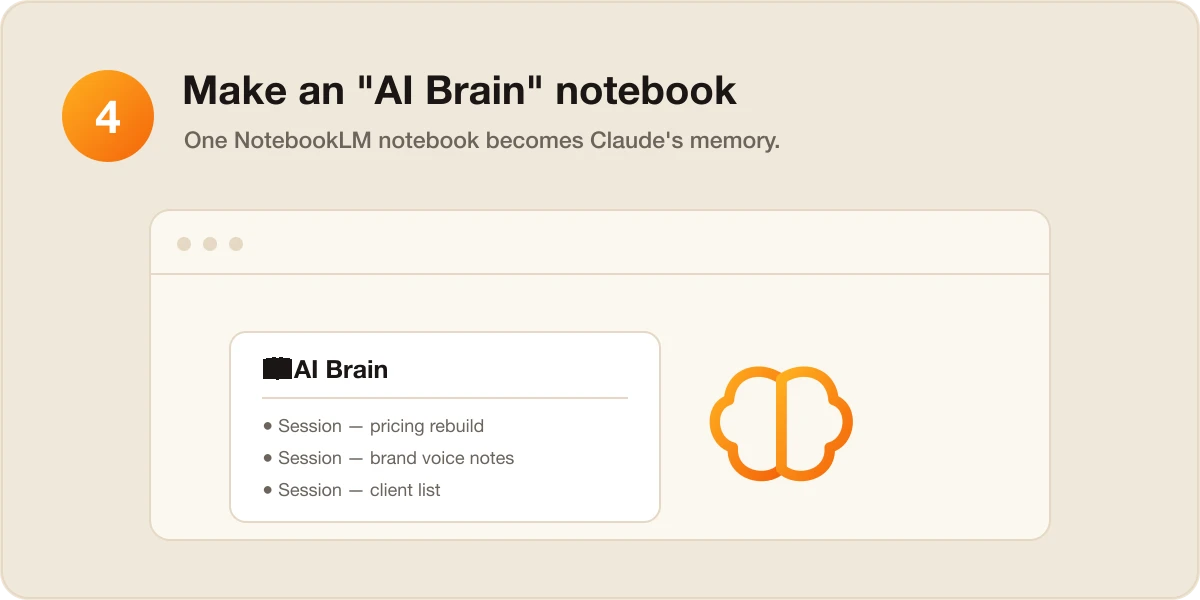
In NotebookLM, make a notebook called "AI Brain." That one notebook is Claude's memory. You can seed it with a note about who you are and what you're working on, or just let the wrap-up skill fill it over time. Tell Claude to use the "AI Brain" notebook as its memory.
Step 5 — Give Claude the memory skill (this is what makes it persistent in every chat)
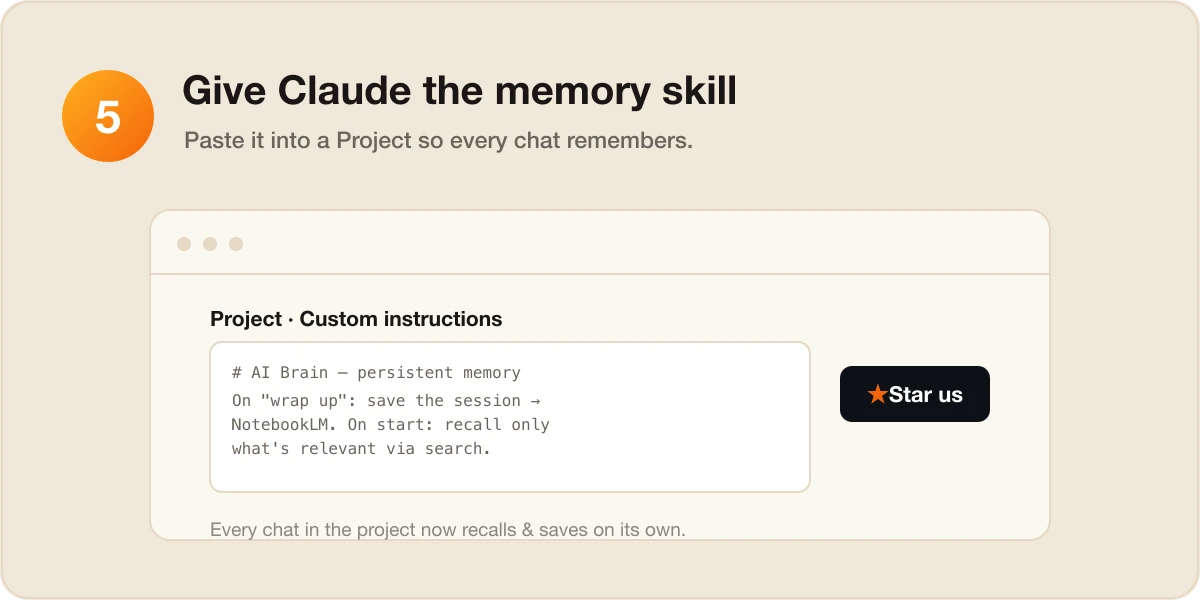
The connector lets Claude reach the notebook. The AI Brain skill is what makes Claude actually save and recall on its own — and it's free in our repo:
👉 github.com/Ootto-AI/claude-content-skills
Here's the trick that makes it work in every chat:
- In Claude, create a Project (Projects → New project) and name it "AI Brain."
- Open the AI Brain skill, copy the whole thing, and paste it into the Project's custom instructions.
- Now every chat you start inside that project already knows the rules — it recalls relevant memory at the start and saves the session when you say "wrap up." Persistent across all of them, not just one.
⭐ If this saves you the endless re-explaining, star the repo — it helps other people find it.
How it works, day to day
At the end of a chat, say "wrap up." Claude reviews the conversation, keeps only what's worth remembering — decisions and the reasoning behind them, facts about you and your project, what got built, and open to-dos — and writes a tight, tagged summary into your AI Brain notebook. One line back: 🧠 Saved to AI Brain.
The summaries follow a fixed, skimmable shape so they're easy to find later:
# Session — 2026-06-14 — Pricing page rebuild
**Topics:** pricing, stripe, copy
## Decisions
- Moved to 3 tiers — simpler than the old 5
## Context / facts to remember
- Brand voice: plain, direct, no hype
## Built / changed
- components/Pricing.tsx
## Open / next
- [ ] Wire annual toggle to Stripe
At the start of your next chat, Claude recalls. When you say "pick up where we left off" or ask about something from before, Claude searches the notebook, pulls back only the relevant summaries, and tells you what it found (📓 From AI Brain: …) before continuing. It never reloads the whole history — that's the point, and it's why this saves tokens instead of spending them.
Bonus: your brain becomes a content engine
Once your knowledge lives in NotebookLM, you can press a button and get, free, straight from your own notes:
- Audio & video overviews — a podcast-style or short-video summary of what's in your notebook.
- Mind maps & reports — your scattered notes auto-organized into a visual map or a clean briefing doc.
- Sourced, cited research — ask a question and get an answer grounded in your material, with references.
Your second brain isn't just memory for Claude — it's a research and content source you already own.
The fully-private option (no deploy)
Don't want to deploy anything? Use the local notebooklm-mcp on the Claude Desktop app instead — it runs entirely on your computer, so your Google login never leaves your machine. You add it in Claude Desktop's connector settings and authenticate once. Same AI Brain skill, same result; the only difference is the connector runs locally rather than in your own cloud.
⚠️ Both connectors are community (unofficial) tools that drive NotebookLM through a browser — they're not official Google or Anthropic products. They're great for personal use, and you log in to Google yourself; nothing here ever sees your password.
Want this for your whole business, not just your chats?
Giving Claude a memory fixes the "starts from zero" problem for your conversations. But the same problem runs through your whole business: every tool starts from scratch, and you're the one re-explaining context — to your inbox, your invoicing, your follow-ups.
Ootto is that idea, done for you. Connect your tools once and Ootto learns how your business actually works — your clients, your voice, your patterns — then runs the busywork automatically: chasing invoices, following up with leads, replying to routine email, sending the weekly numbers. It's permanent memory and an autopilot for your operations, so you never re-explain your business to a blank slate again. (New to the idea? Start with our guide to AI business automation or Claude skills for running a small business.)
Route A: do it yourself
Start with the exact free skill for this outcome
MIT, no account, no email. Install first, then run the command for your account.
For remembering what works: AI Brain
git clone --depth 1 https://github.com/Ootto-AI/claude-content-skills.git && bash claude-content-skills/install.sh
Installs the free MIT Content Skills bundle into ~/.claude/skills in one shot.
wrap up
Saves what mattered from this session to an Obsidian vault so future runs reuse your winners.
Route B: let Ootto run it
Ootto replicates this on autopilot
Open the dashboard, connect once, then let the pipeline handle research, production, and lead replies.
Open the connector dashboard
Go to /content/login, sign in, and open your Ootto content dashboard.
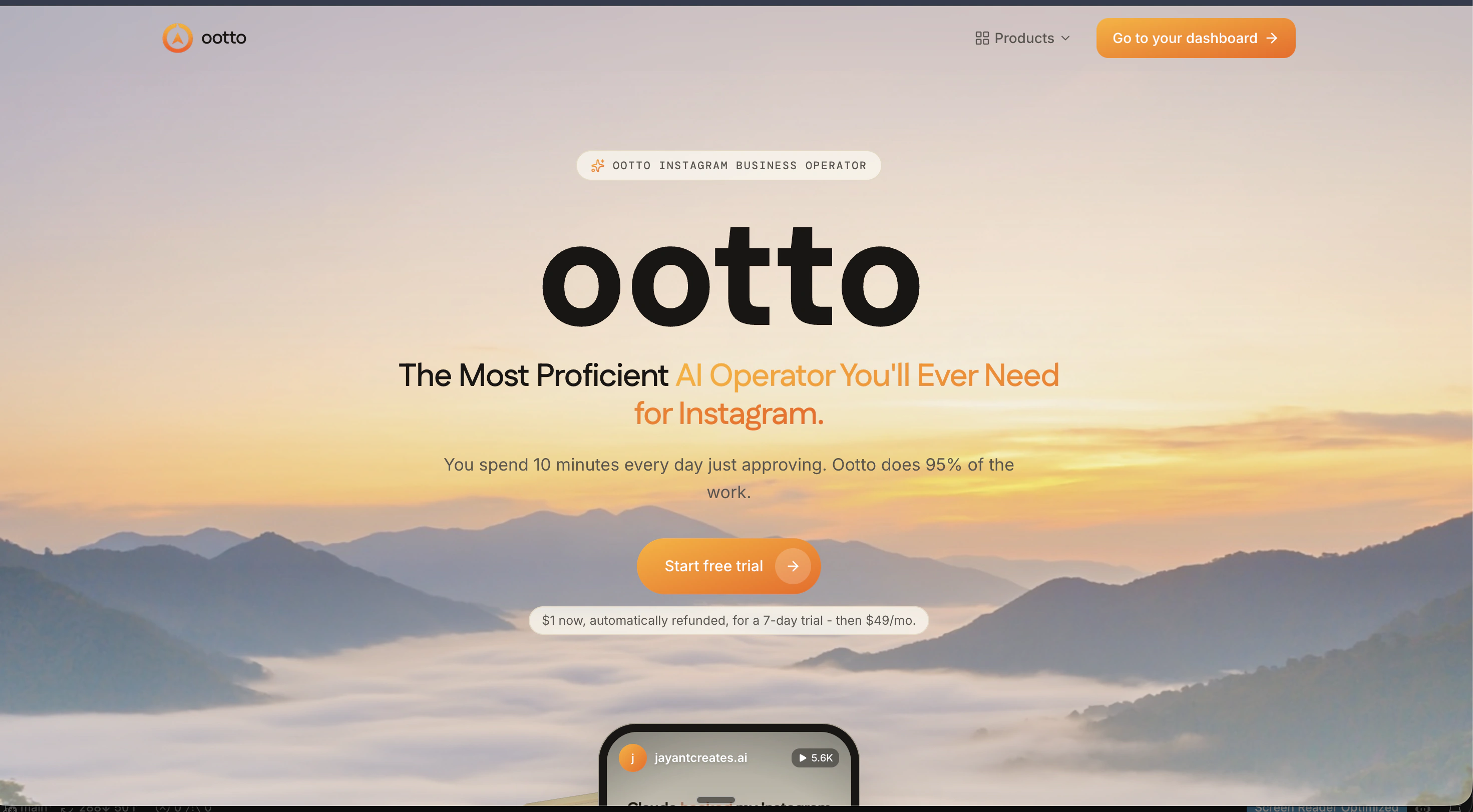
Add Ootto to Claude
Use the one-button Add flow so Ootto appears in Claude's Connectors panel.
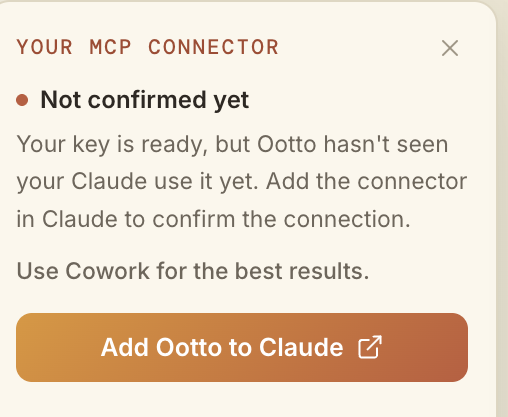
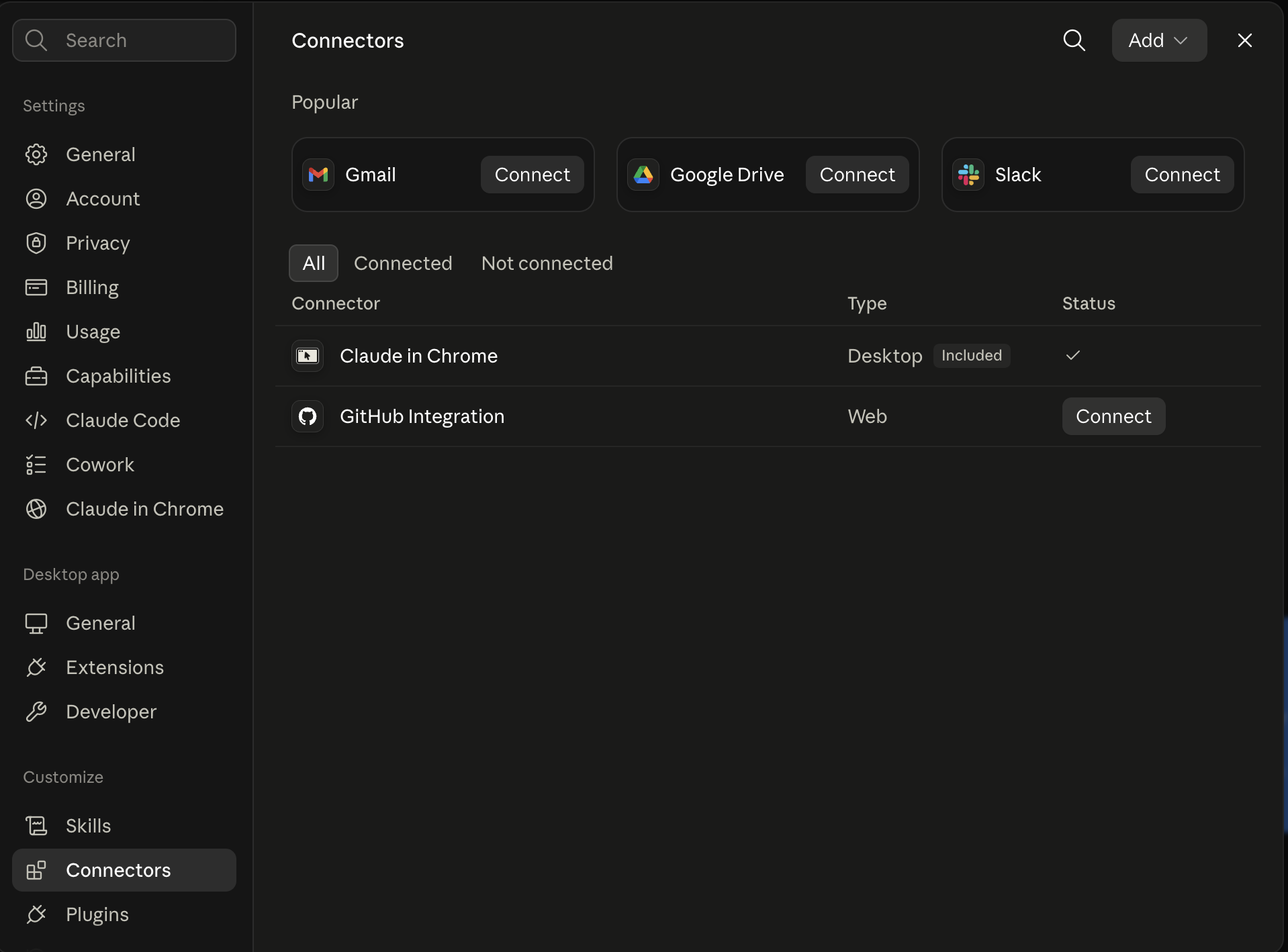
Claude shows the connector
The connector lands in Claude's Connectors settings, confirming Ootto is wired.
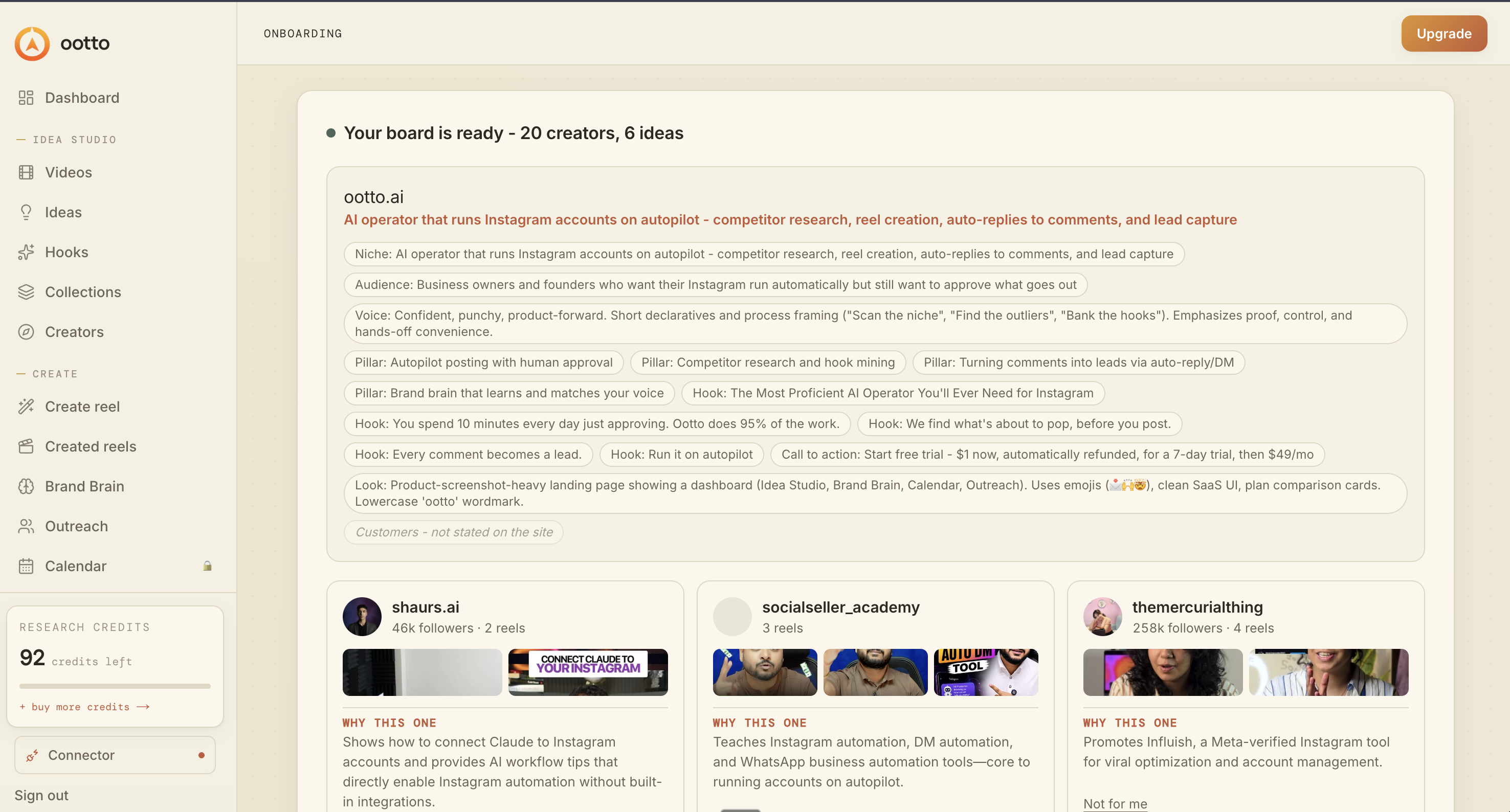
Board reads back your context
Your audience, pillars, voice, and creator signals are filled from account context.
What is actually working now
Ootto pulls what is moving in your niche and loads ranked examples in board.
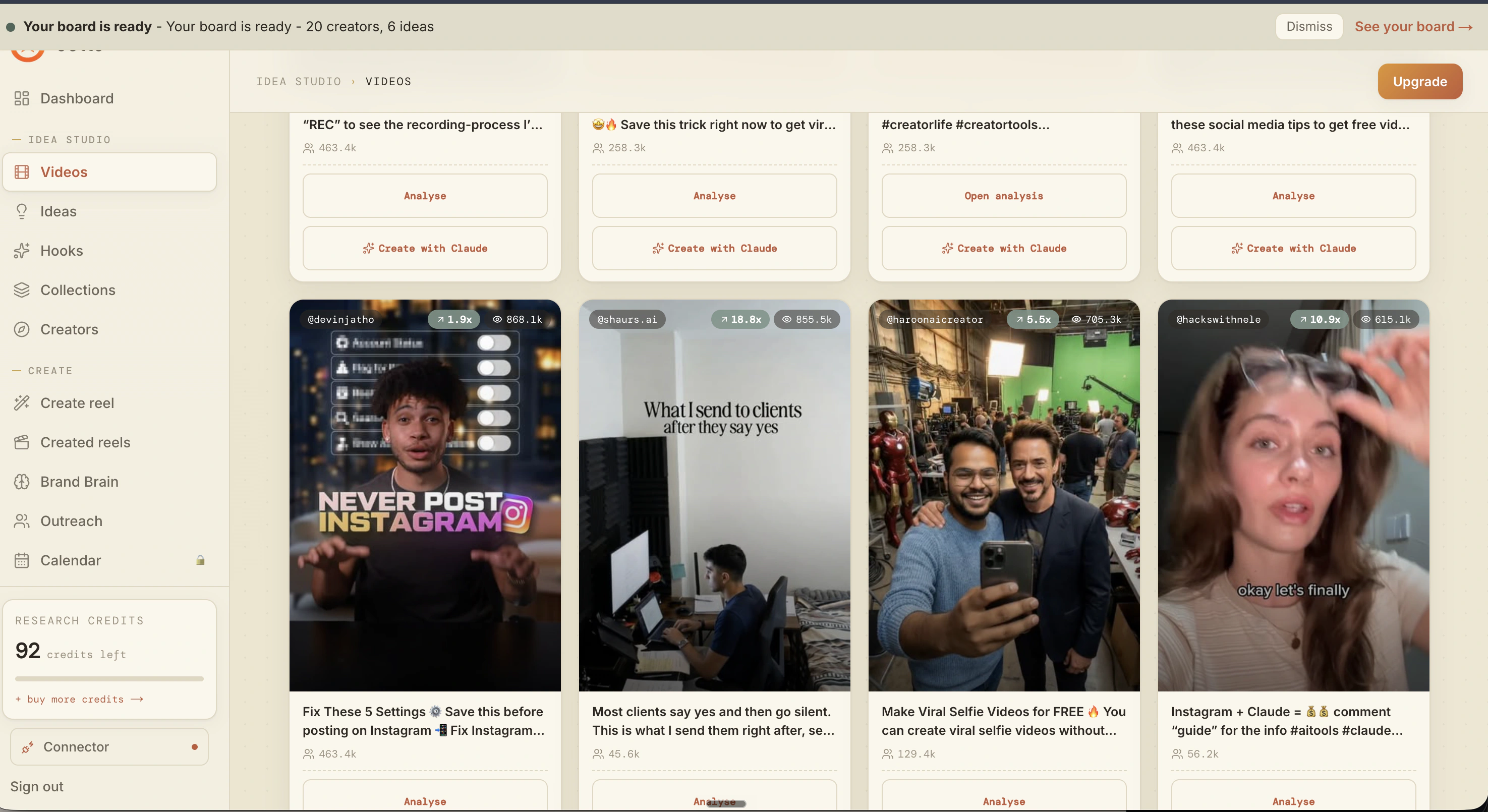
Reels post, comments get answered
Finished reels publish to Instagram and comments are answered with public replies plus DM follow-ups.
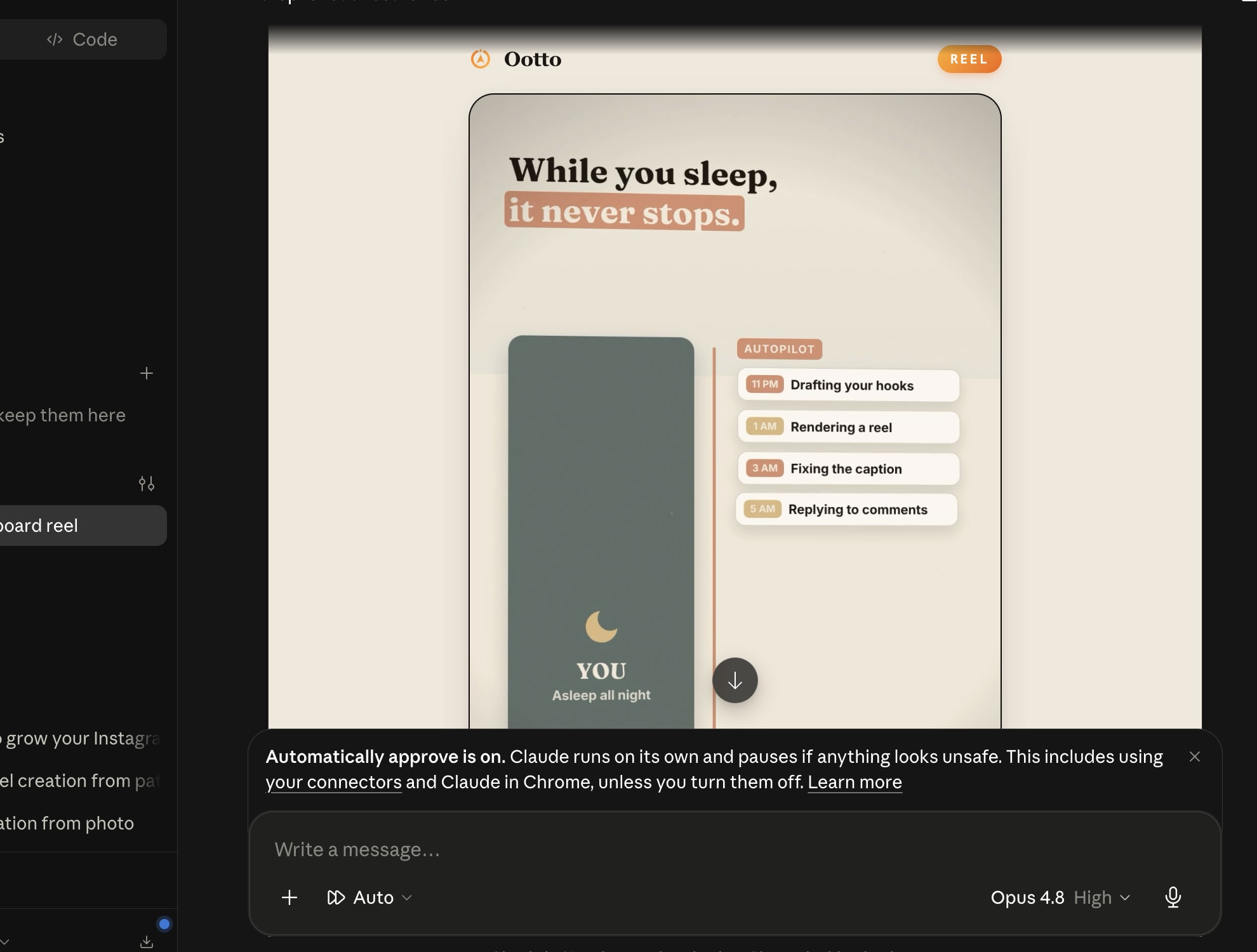
Ootto
Run Ootto in your Claude
Skip the manual setup
- Finds winning content opportunities
- Creates on-brand Reels and captions
- Replies to comments instantly
- Starts personalized DM conversations
- Qualifies leads automatically
- Helps book calls and drive sales
- Learns and improves with every interaction
One AI. Every Post. Every Comment. More Leads. More Sales.
Get started$1 today, non-refundable - starts your 7-day trial, then $48/mo. Cancel anytime.
Get started