Content
How to Grow Your Instagram with Claude - the best ways to grow your Instagram with Claude
The Ootto Team · 9 min read · October 13, 2026
How to use this
1Connect Claude to Instagram
Connect Claude to your Instagram account
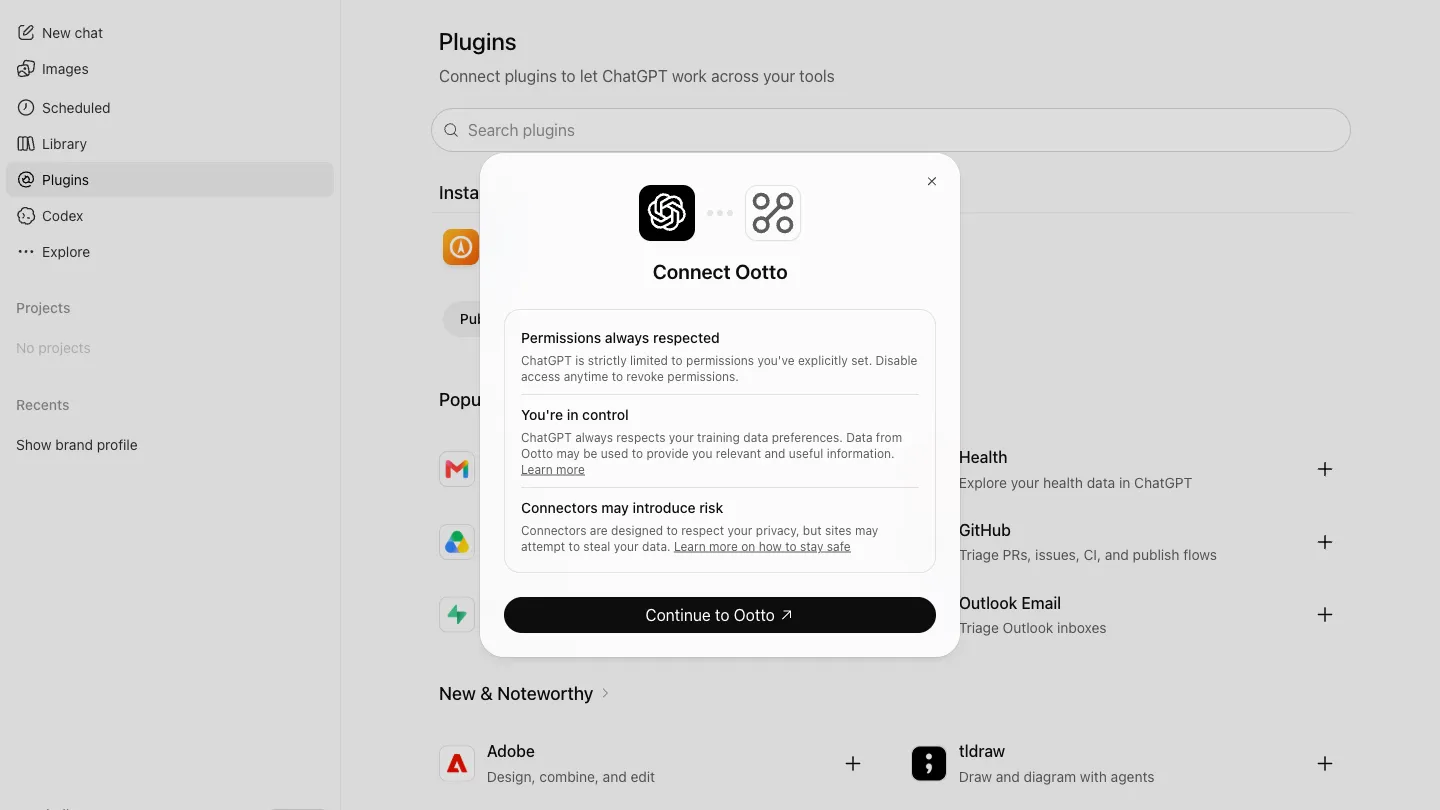
One click opens Claude with the connector already filled in - sign in, authorize, and it's live. No key to copy, no setup outside your browser.
https://mcp.ootto.ai/mcpConnect2Add the skills
Once Claude can reach your account, give it the methods to work with. Clone the free repository and Claude discovers the skills automatically.
git clone --depth 1 https://github.com/Ootto-AI/claude-content-skills.git && bash claude-content-skills/install.shBrowse all 30 skills on GitHubInstructions: how to connect your Instagram account to Claude
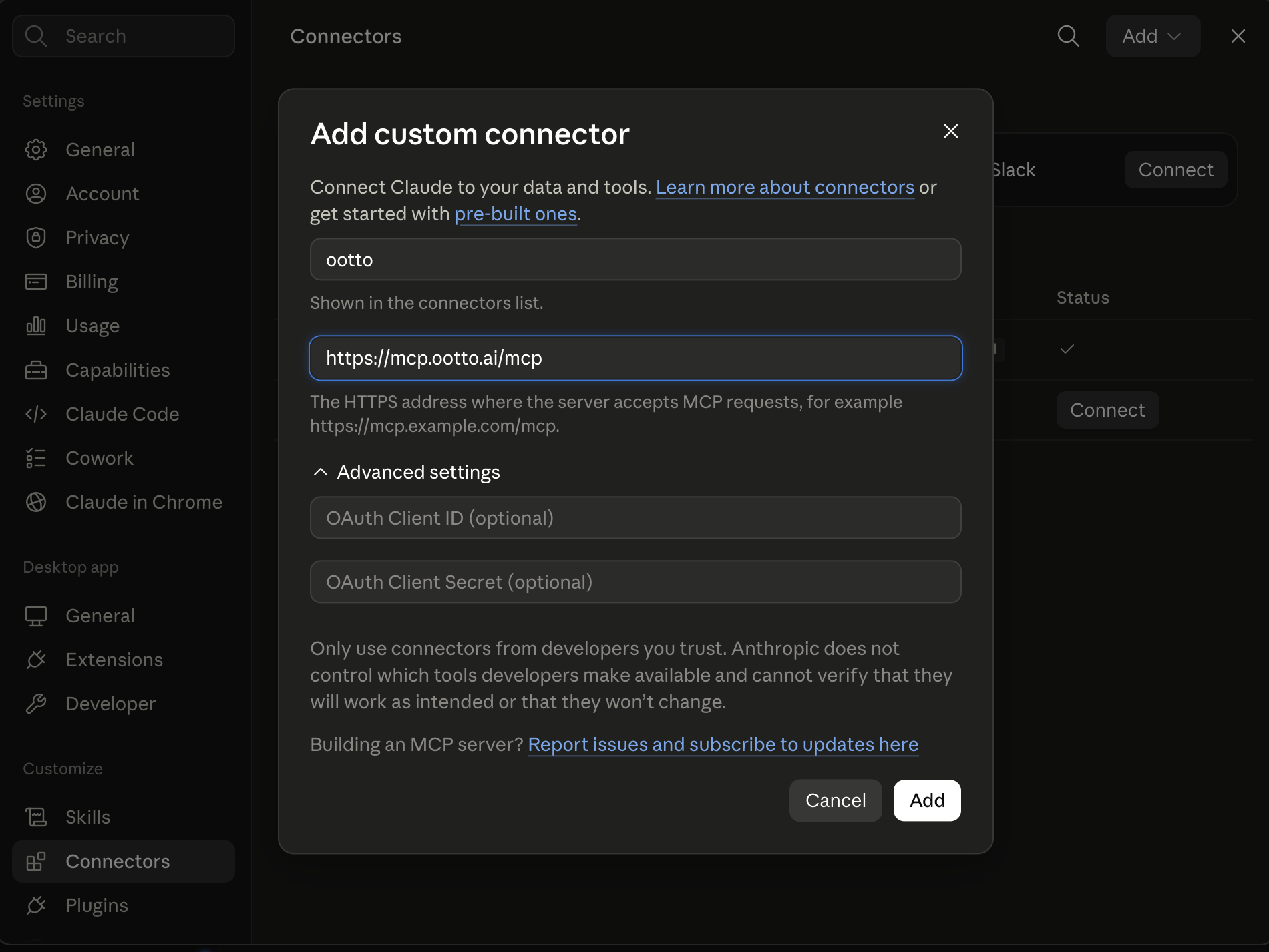
Connect above does this for you. If Claude ever opens the dialog empty, here's exactly what goes where:
Ootto
Your 24/7 Instagram Growth Operator
Skip the manual setup
- Posts finished Reels straight to your Instagram
- Real motion-graphic Reels, not slideshows
- Built around your own photos and footage
- Finds winning content opportunities in your niche
- Writes on-brand scripts and captions
- Answers every comment by your own keyword rules
- DMs qualified leads and starts the conversation
- Runs up to 50 Instagram accounts
One AI. Every Post. Every Comment. More Leads. More Sales.
Claude can plan, make and post your reels, without you writing a caption by hand. That's not a hypothetical. It's what happens once Claude can actually see your Instagram instead of guessing about it.
This post is every real way to use that connection to grow an account: build a dashboard, make it live, find what's already outperforming, and create, post, and edit reels - one step at a time, with the exact prompt for each. Every step below starts the same way, because there's only one place to do any of this from.
What changes once Claude can see your Instagram
Ask ChatGPT for "Instagram growth ideas" and it gives you a listicle. It has never seen your account, never watched one of your reels, and can't publish anything. Connect Claude to Ootto's MCP server and none of that is true anymore: Claude reads your real numbers, tears down real reels frame by frame, renders new ones in your voice, and posts them - all from the same chat window.
That's the whole shape of this guide:
- Connect the Ootto MCP to Claude - once.
- Build a dashboard of your own account, as a page Claude renders for you.
- Make that dashboard live, so it pulls fresh numbers every time you open it.
- Find your outliers - which of your posts actually beat your average, and why.
- Create a reel with the reel factory.
- Post it to Instagram.
- Edit it - the hook, the type, the CTA - without starting over.
Step 0 - Connect Ootto to Claude
Go to Ootto, sign in, and do this: add the connector. It's one button, and it's the only setup step in this whole post.
ootto.ai/content
Make an account or sign in - this is the only page you touch by hand. Everything after this happens inside Claude.
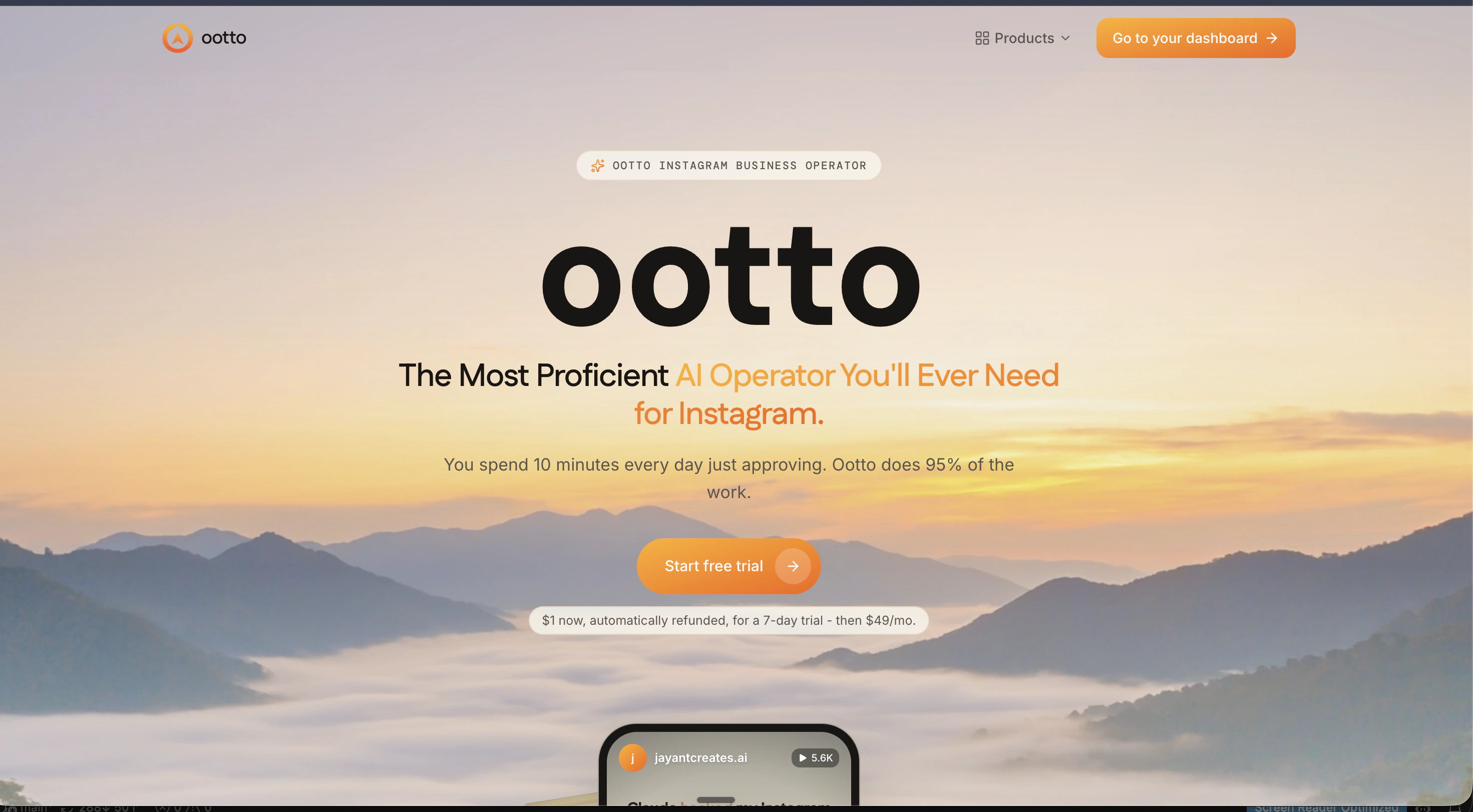
One button, on your dashboard
The connector card sits there from day one. It says Not confirmed yet honestly, rather than a green tick it hasn't earned.
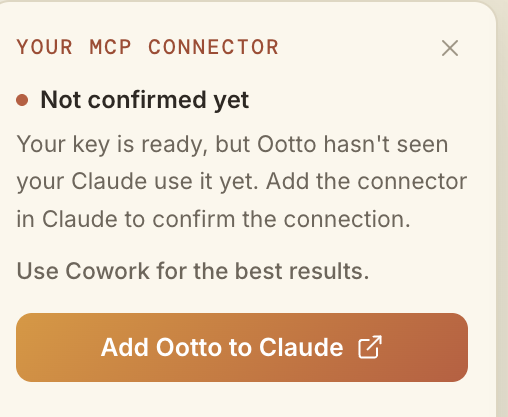
It lands in Connectors
Click through and Claude adds Ootto to its own Connectors panel. Nothing else to configure.
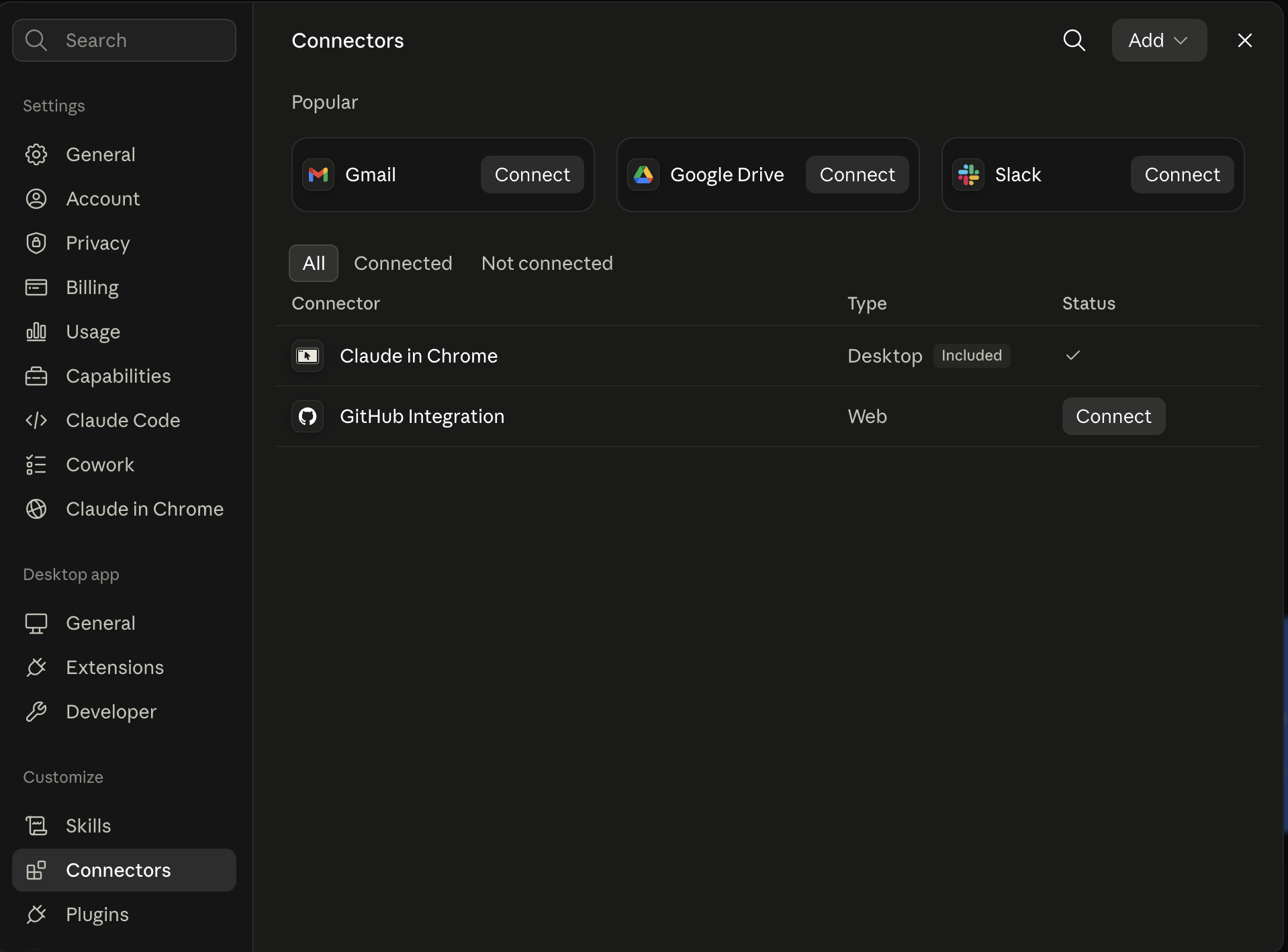
It reads your business back
Your handle and your site, if you have one. Niche, audience, voice, pillars, hooks, and a board of creators to judge, each with a reason.
The MCP address is https://mcp.ootto.ai/mcp if you're adding it by hand instead of the one-click flow. Every step below assumes this part is already done. For the full walkthrough of this exact connection - including the annotated dialog for when the one-click prefill doesn't fire - see the connector setup post.
Step 1 - Build a content dashboard
Go to Ootto, sign in, and do this: ask Claude for a dashboard of your own account, in the same chat where you'd ask it anything else.
Build me a dashboard of my Instagram: my follower count, my last 8 posts with their real likes and comments, and how many reels and leads I've gotten since I connected Ootto.
This is the same move as building a report on a competitor - Claude reads the account through the connector and lays it out as one page instead of a wall of chat.
You already have a version of this waiting on your Ootto dashboard the moment you connect - real numbers, read live, not a mockup:
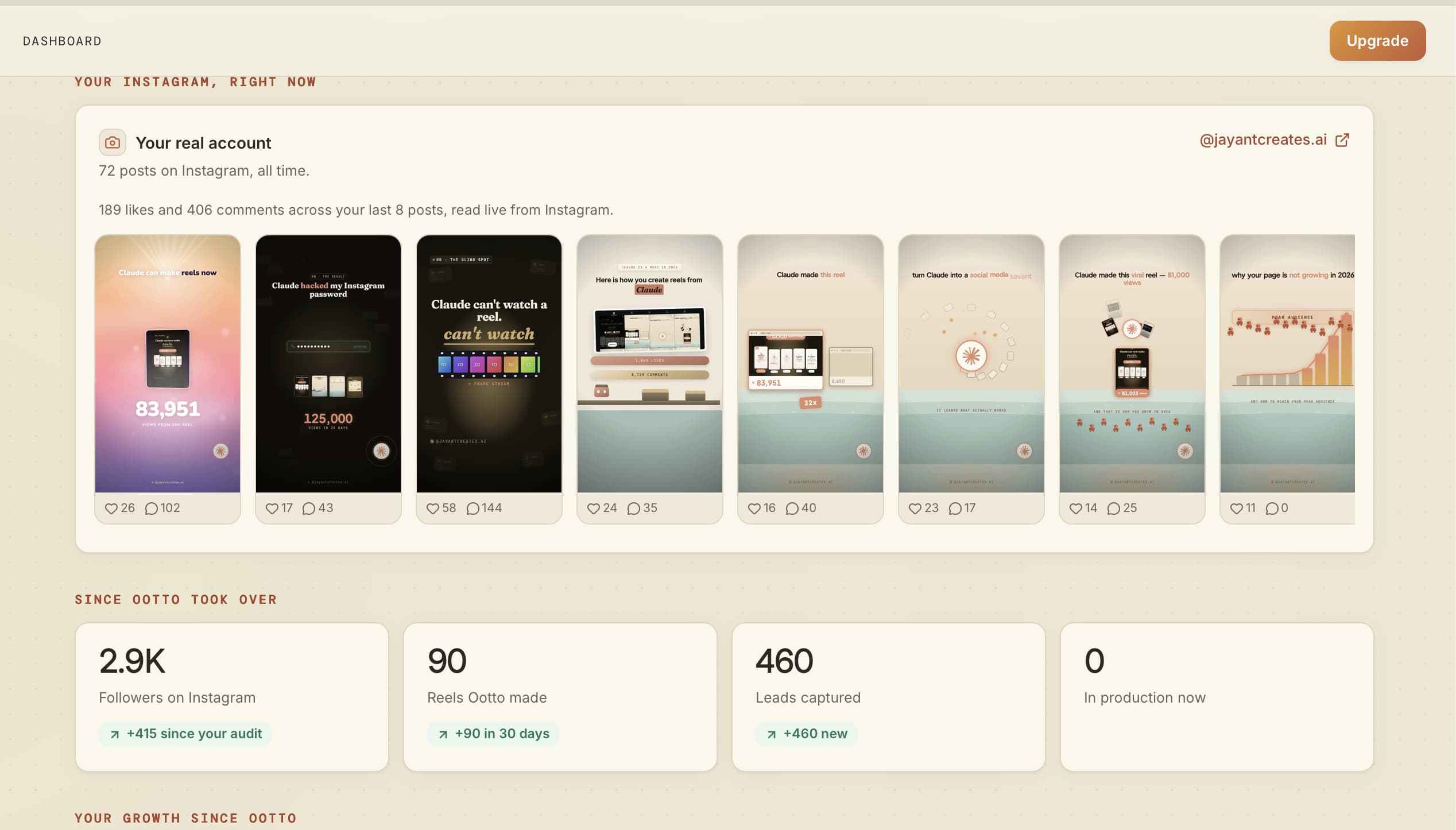
Asking Claude to build the same thing as an artifact does the identical read - it just lays the numbers out however you ask for. Want it as a scrollable report instead of a grid of cards? Say so:
Lay that out as a page I can scroll, not a table - my growth this month first, then the posts that drove it.
The connector post has a full worked example of this exact prompt style, run against a competitor account instead of your own - the mechanism is the same.
Step 2 - Make the dashboard live
This is the part worth being precise about, because it's a genuine Claude feature and not something we invented for this post.
Anthropic's live artifacts - inside Claude Cowork, on Pro, Max, Team, and Enterprise plans - refresh the moment someone opens them, not on a background timer. In Anthropic's own words, from their help center: "When someone opens your artifact, it connects to their connectors and data sources." So a live dashboard built with the Ootto connector re-reads your real numbers - the same ones from Step 1 - fresh, every time it's opened, using the viewer's own connection.
Build that same dashboard as a live artifact - keep it live, so it pulls fresh numbers from Ootto every time I open it, instead of a one-time snapshot.
The only difference from the Step 1 prompt is the instruction to keep it live. Claude builds the page once; the data behind it re-reads on every open.
Step 3 - Find your outliers
Go to Ootto, sign in, and do this: ask which of your reels actually beat your own average, and let the connector do the comparison instead of eyeballing your grid.
Show me the reels I've posted that beat my own average views by the widest margin, and tell me what was different about each one.
This runs the same outlier-multiplier comparison Ootto already scores every reel on - it's just pointed at your own account's baseline instead of a competitor's.
The Videos board scores every reel this way already - each badge below is how far that account beat its own average, a real number, not a guess:
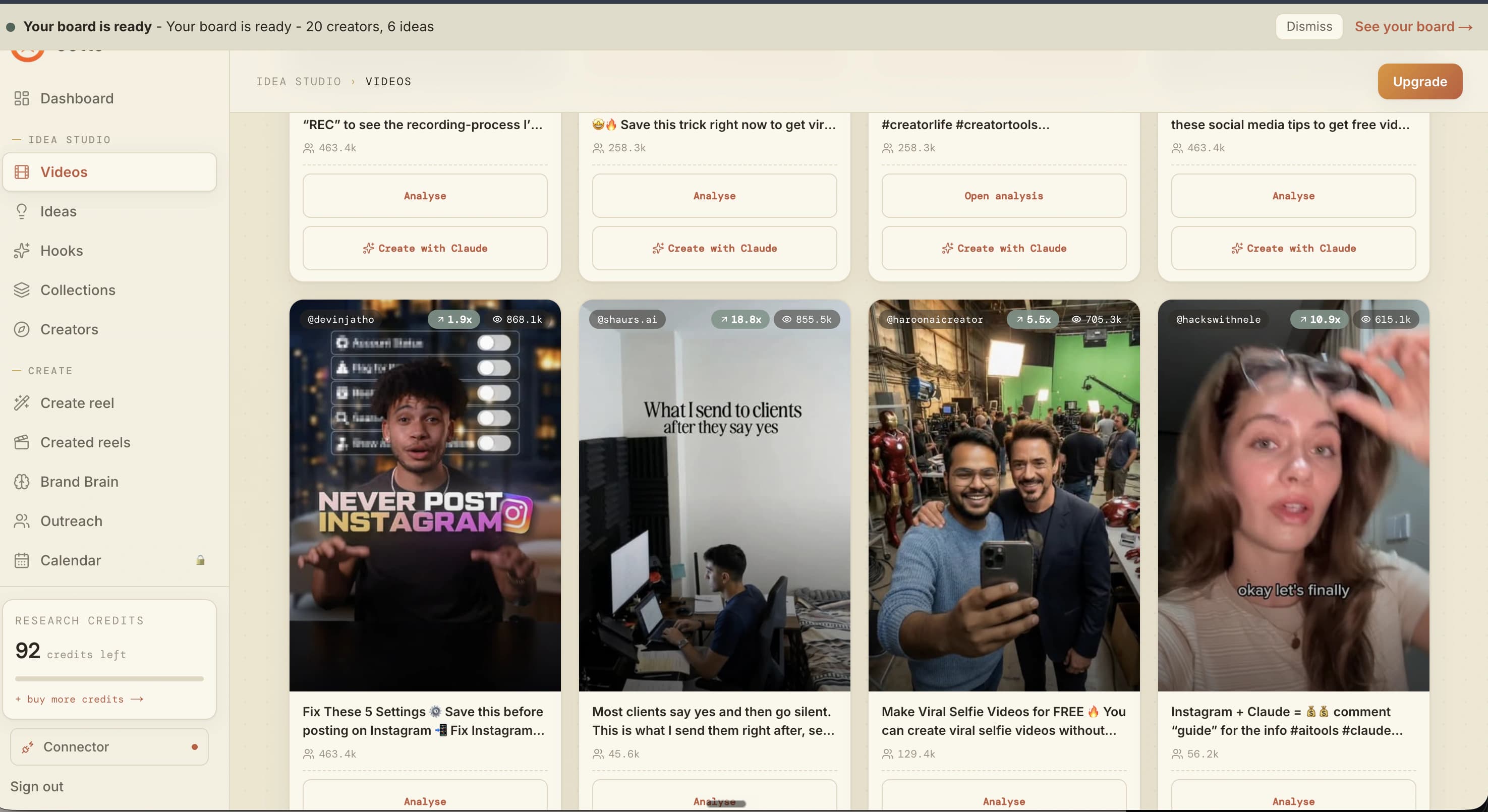
Point the same question at your own niche instead of your own account and you get the wider picture - what's actually working right now, not what worked six months ago:
What is working in my niche this week?
Run against a real account, this returned 20 creators and 40 reels across six niches it derived from the brand, with real follower and view counts - the top reel at 12,669,162 views.
Step 4 - Create a reel
Go to Ootto, sign in, and do this: hand Claude the outlier you just found and ask for a reel built from it, in your own brand's voice.
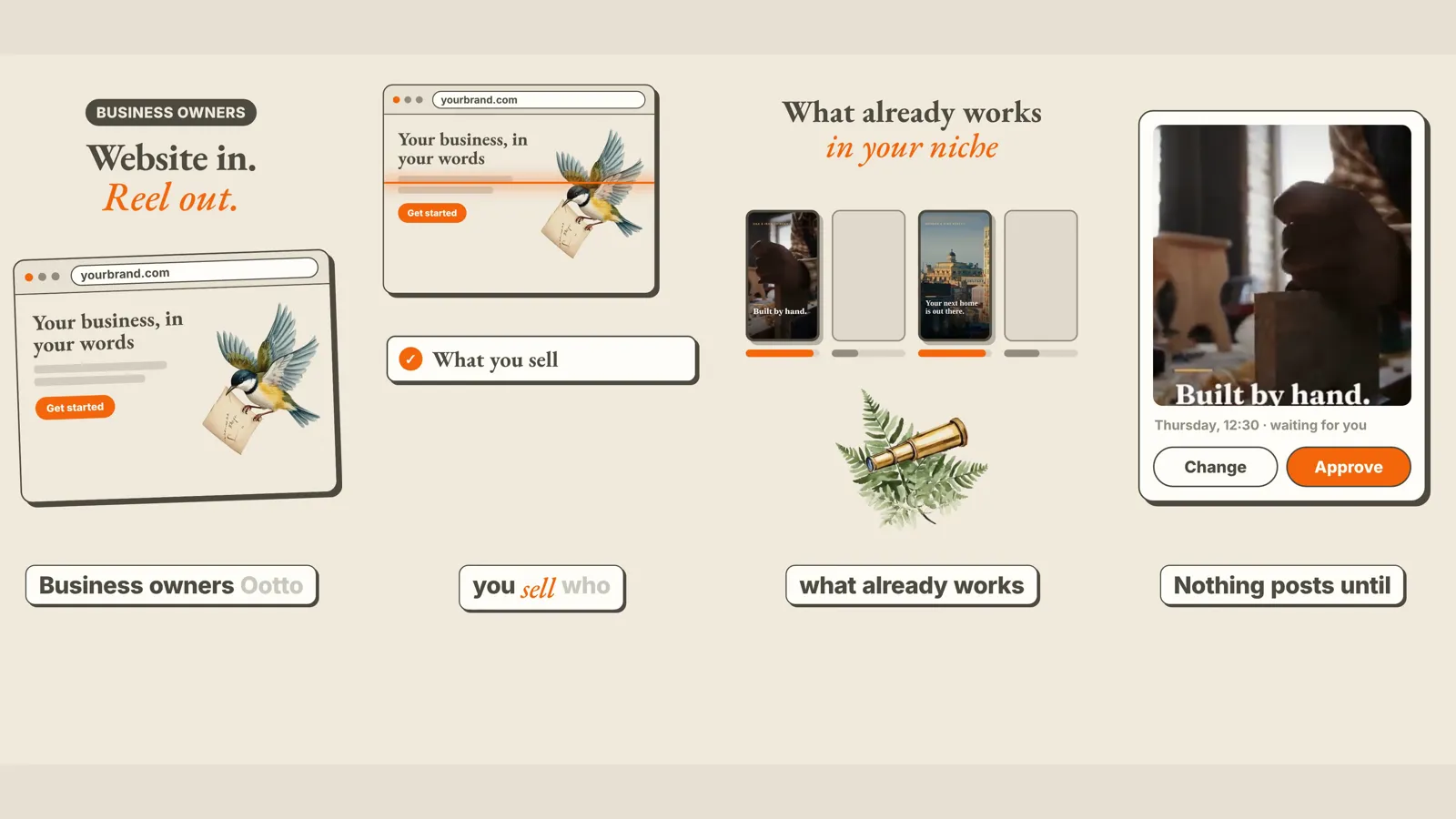
Make a reel from this script, cream editorial - one designed beat per line.
Every reel produced this way comes from a prompt this shape. Beats can also be pure motion graphics instead of on-screen text, if that fits your brand better.
Step 5 - Post it
Go to Ootto, sign in, and do this: tell Claude to publish the reel it just made - it doesn't post on its own.
Post that reel to Instagram now.
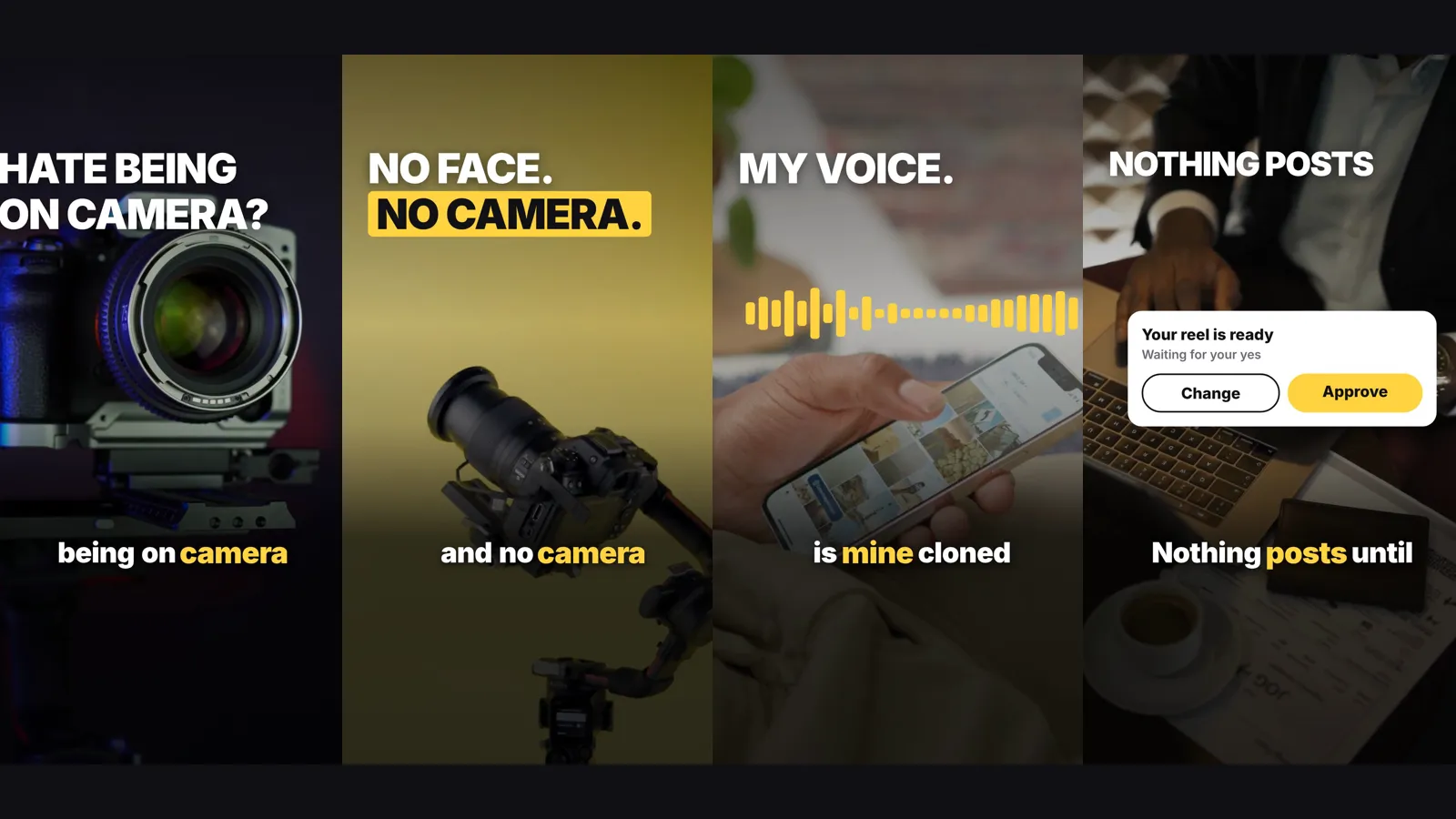
Nothing publishes without this instruction. The reel renders and sits staged first; posting is a thing you say yes to, not something that happens quietly in the background.
This is also where the loop stops being a one-off. Set up comment-to-DM once and every comment on the reel becomes a lead automatically:
Set up comment-to-DM on the keyword AUDIT.
Live, this posts a public reply with no link, then DMs the resource separately - the exact pattern behind turning views into leads instead of just views.
Step 6 - Edit it
Go to Ootto, sign in, and do this: point at what you already made and change one thing, instead of starting a new reel from scratch.
Use Playfair Display for the hero words and Inter underneath.
This pins the typeface on the brand record, not just on this one reel - so the type stops drifting back to the default on the next one you make.
Keep everything about this reel the same, but swap the CTA to comment AUDIT instead.
An edit refines the reel that already exists rather than rebuilding it - useful once you've found a hook or a look that's working and just want to reuse it.
Auto-approve on, and this whole loop keeps running after you close the laptop:
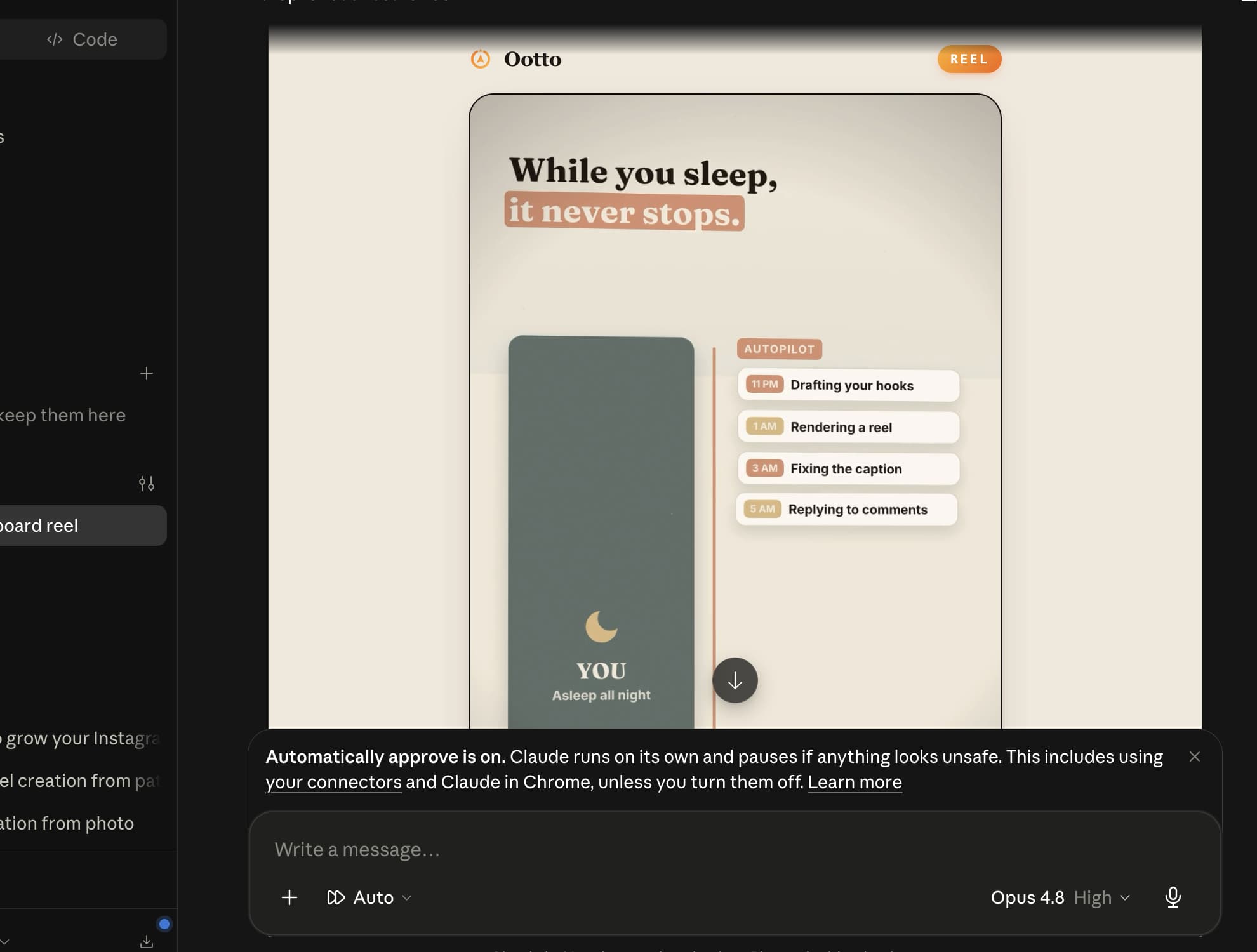
Where growth actually comes from
None of the seven steps above is the interesting part on its own. What compounds is doing all of them in order, every day, without you re-typing the setup each time: the dashboard tells you where you stand, the outlier check tells you what to make next, the reel gets made and posted, and the comment loop turns whoever watched it into someone you can actually talk to. Skip the last step and you have a nicer content calendar. Run all of it and you have an account that grows while you're doing something else.
Do it yourself, or let Ootto run it
Everything above works with the free skills on Ootto - no account, no card, MIT license. If you'd rather not wire up the prompts and the MCP by hand, the connector above is that same pipeline running on autopilot on your own account; see the self-serve plan for what that costs.
For the deeper version of any single step here - the full teardown mechanics, or the eight-step autopilot pipeline end to end - see how the connector actually watches and rebuilds a reel and how to build the full Instagram autopilot in Claude. For the complete list of every free skill this is built from, see 30 Claude skills for Instagram content.
Route A: do it yourself
Start with the exact free skill for this outcome
MIT, no account, no email. Install first, then run the command for your account.
For this outcome: Content Factory
git clone --depth 1 https://github.com/Ootto-AI/claude-content-skills.git && bash claude-content-skills/install.sh
Installs the free MIT Content Skills bundle into ~/.claude/skills in one shot.
/content-factory - my niche is [niche], model this reel: [reel URL], my handle @..., CTA keyword GUIDE
Runs the full pipeline order for the post: research, hook, script, build, caption, and comment-to-DM lead setup.
Route B: let Ootto run it
Ootto replicates this on autopilot
Ootto
Run Ootto in your Claude
Skip the manual setup
- Finds winning content opportunities
- Creates on-brand Reels and captions
- Replies to comments instantly
- Starts personalized DM conversations
- Qualifies leads automatically
- Helps book calls and drive sales
- Learns and improves with every interaction
One AI. Every Post. Every Comment. More Leads. More Sales.
Get started$48/month, charged today. Cancel any time.
Get started